


For individuals Checking router, Wi-Fi & smart home
The router is the gateway to everything connected in your home – and usually the device nobody has looked after since it was installed.
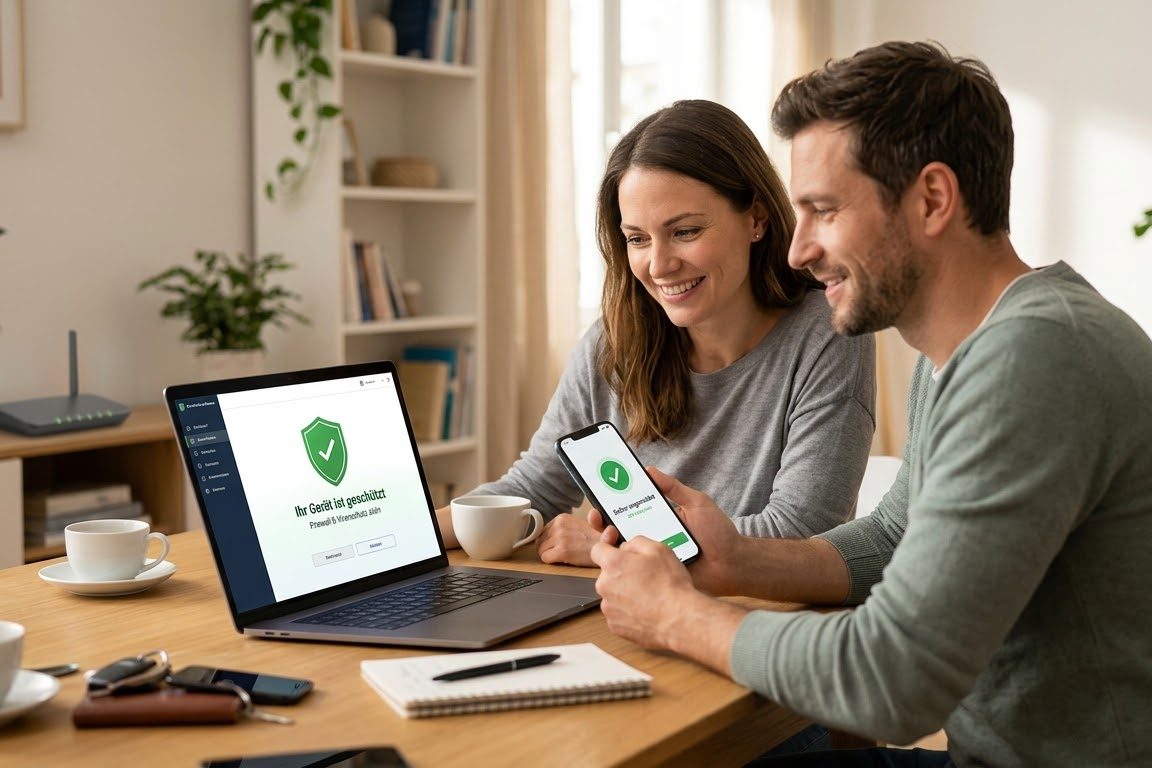
- The key questionCan something in your home network be reached from outside that shouldn't be?
- The classicA camera or a network storage device that someone made "reachable on the go" years ago.
- What you have afterwardsA tidy home network and the knowledge of what to look out for in future.
Checking router, Wi-Fi & smart home
- Checking the router for default passwords and outdated firmware
- Checking the outward-facing shares – often the real weak point
- Wi-Fi encryption and a separate guest network for visitors
- Overview of smart home devices, cameras and network storage
- Separating work and private devices if you work from home
How it works in practice.
Overview
What is actually connected to the network? This list surprises most households.
From outside
We check what points to your connection from outside and is reachable.
Tidying up
Closing shares, changing passwords, updating firmware – together.
Setup
Setting up a guest network and permanently securing the most important settings.
The device through which everything in your home connects to the internet – usually the box from your internet provider. It is also the door to the outside world and therefore the place where it is most worthwhile to take a look.
Many devices come with a factory password that is listed on the internet. If it was never changed, the device is open to anyone who knows that list.
A setting that makes a device in your home reachable from the internet – often set up years ago for the security camera and then forgotten. This is usually the real weak point.
A second wireless network for visitors and for devices such as TVs or robot vacuums. It is separate from the rest: if something there is taken over, it can't get to your computers and photos.
What is included – and what explicitly is not.
Typical scope
One household with one router and up to 20 connected devices.
Duration
One session of two to three hours, on site in Graz and the surrounding area.
Prerequisite
Access to the router. If you don't have the password, we'll figure it out together.
Not included
No sale of devices, no ongoing support.
We secure the network; we don't clean devices that are already infected. If malware is suspected, we say so and name the next step.
What people ask beforehand.
As a rule you may change the security-relevant settings yourself. Where the provider locks settings, we tell you what to ask them for.
Not in principle. It becomes critical when they can be reached from outside without protection. That is exactly what we check, and it is exactly the most common finding in private households.
Yes, because it is your network that is tested, not the building. The effort is the same as in a house.
More offers for you.
Leak check for individuals
We check whether your email addresses and passwords appear in known data leaks – and tell you in plain language what follows from that.
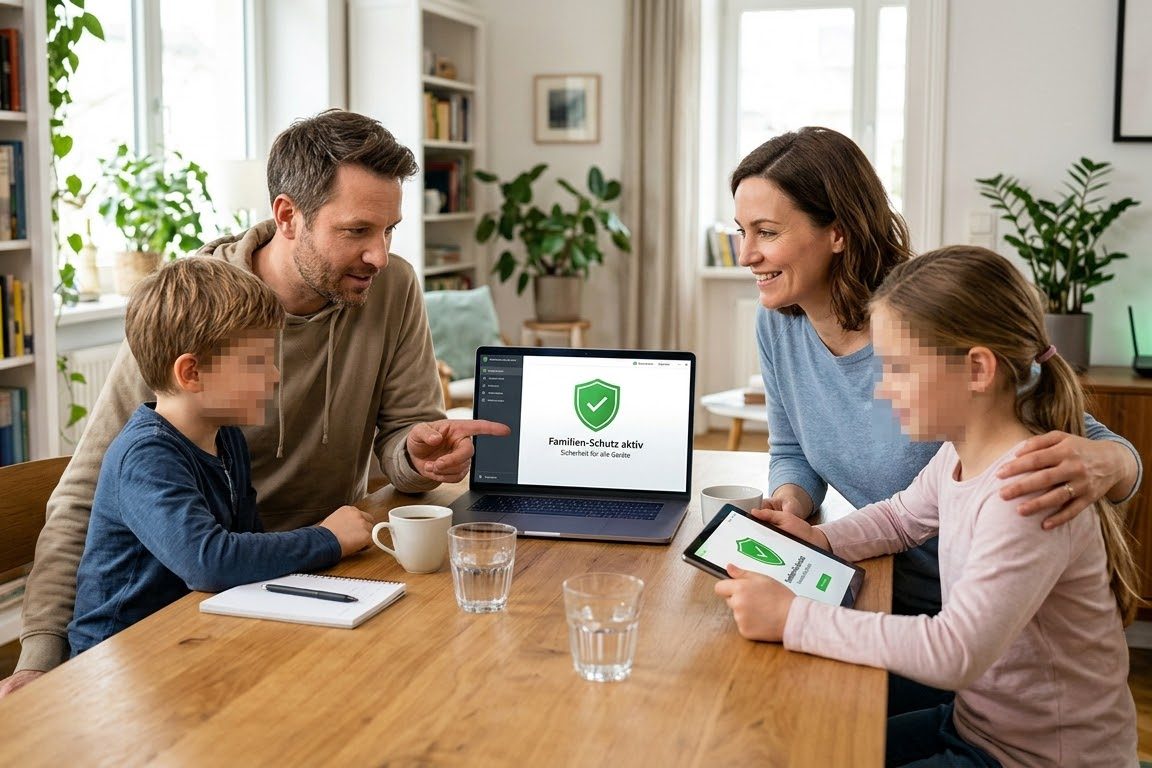
Family coaching
One session for the whole family – because different scams target different age groups and every generation needs something different.
Checking router, Wi-Fi & smart home
The router is the gateway to everything connected in your home – and usually the device nobody has looked after since it was installed.
What we encounter in assessments, before you encounter it.
Not a product newsletter. We write about attack paths that actually worked against Austrian businesses, authorities and schools – and what helps against them.
- About once a month, not every week
- Concrete attack paths from real assessments
- No tracking pixel, no sharing with advertisers
- Unsubscribe with one click in every email